
How to apply for a birth certificate replacement

Audio By Vocalize
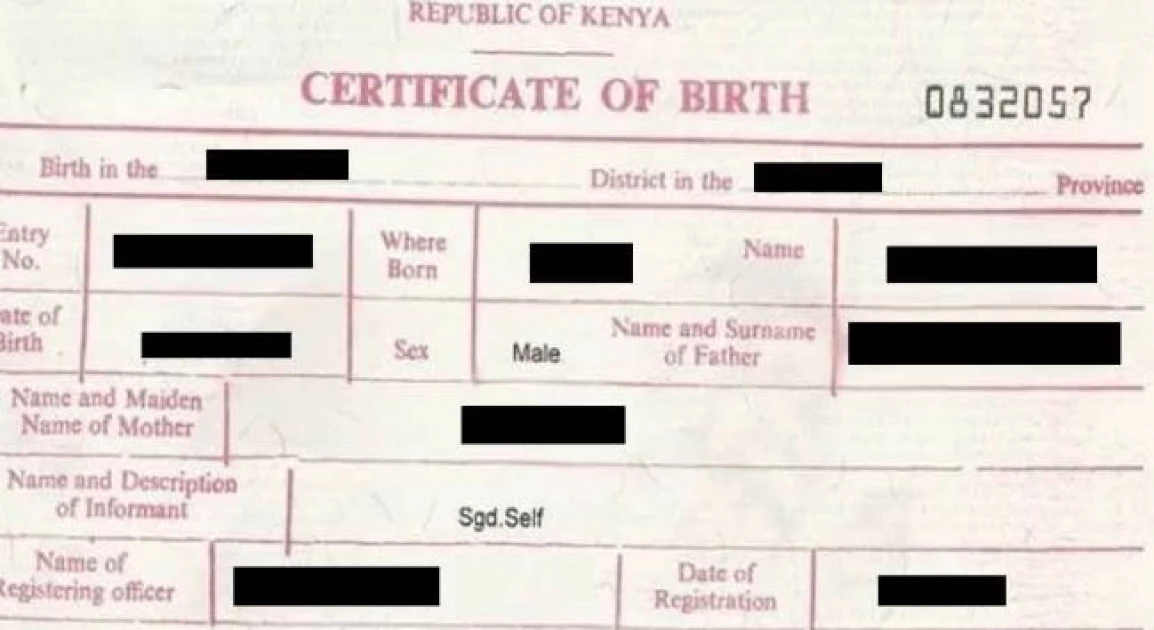
Have you ever been in a position where you urgently need your birth certificate but can't seem to find it?
You might need the document to apply for a passport so that you can finally travel out of the country for greener pastures or you just might need it to register for your national ID card and show proof of citizenship.
Whatever the reason may be, do you know that you can get a replacement for your lost birth certificate without going through the hassle of paperwork and long queues?
How, you ask? Well, the government's E-citizen platform has made it incredibly easy.
If you follow the simple seven-step process below, you will have a replacement birth certificate in no time at all so there's no need to postpone any tasks that are on your to-do-list.
STEP 1. Sign up or login to your Ecitizen account.
STEP 2. Select the civil registration services tab.
STEP 3. Choose "Application for Child's Current Birth Certificate."
STEP 4. Select "Apply for a Replacement of Birth Certificate" from the drop-down menu.
STEP 5. Fill in the required details and upload your ID/parent's ID, along with a copy of the lost certificate or birth notification if available.
STEP 6. Submit your application and pay the required fee.
STEP 7. You'll receive a text message once the processing is done.
Join the Discussion
Share your perspective with the Citizen Digital community.
No comments yet
This discussion is waiting for your voice. Be the first to share your thoughts!