
WhatsApp now lets you undo ‘Delete for me’
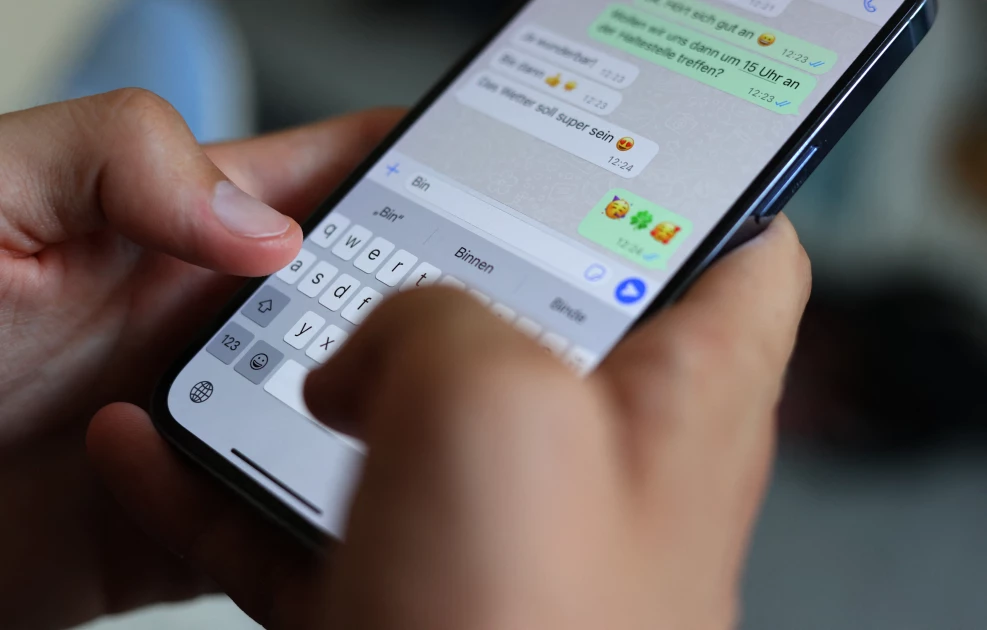
A man types a WhatsApp message on a smartphone. (Photo by AFP)

Audio By Vocalize
WhatsApp
has introduced the ability to undo the ‘Delete for me’ option which lets users delete
only their copy of messages sent or received from their devices.
‘Delete for
me’ removes messages from a user’s WhatsApp inbox without interfering with the
other party’s chats, such that recipients still see the messages on their chat
screen.
The
Meta-owned instant messaging platform now lets one undo the action but within a
five-second window.
To delete your copy of a message, go to the WhatsApp chat containing the message you wish to
delete.
Tap and
hold the message you wish to delete. One can also tap more messages to delete
multiple messages at once.
Tap the delete
icon at the top of the screen, then select Delete for me.
To undo the
deletion, tap Undo within five seconds before the message is permanently
deleted.
WhatsApp
also offers a ‘Delete for everyone’ option that allows users to delete specific
messages they have sent to an individual or group chat.
Messages that
are deleted for everyone are replaced with “This message was deleted” on both
parties’ chat threads.
Last year,
WhatsApp introduced the ability to edit messages within 15 minutes of hitting
send.
Join the Discussion
Share your perspective with the Citizen Digital community.
No comments yet
This discussion is waiting for your voice. Be the first to share your thoughts!